 NookMallow
The practical guides · Planning & shopping
From Inspiration Photos to a Furniture Shopping Plan
Keep the qualities you like in a photo, then adapt the plan to your room, existing furniture and budget.
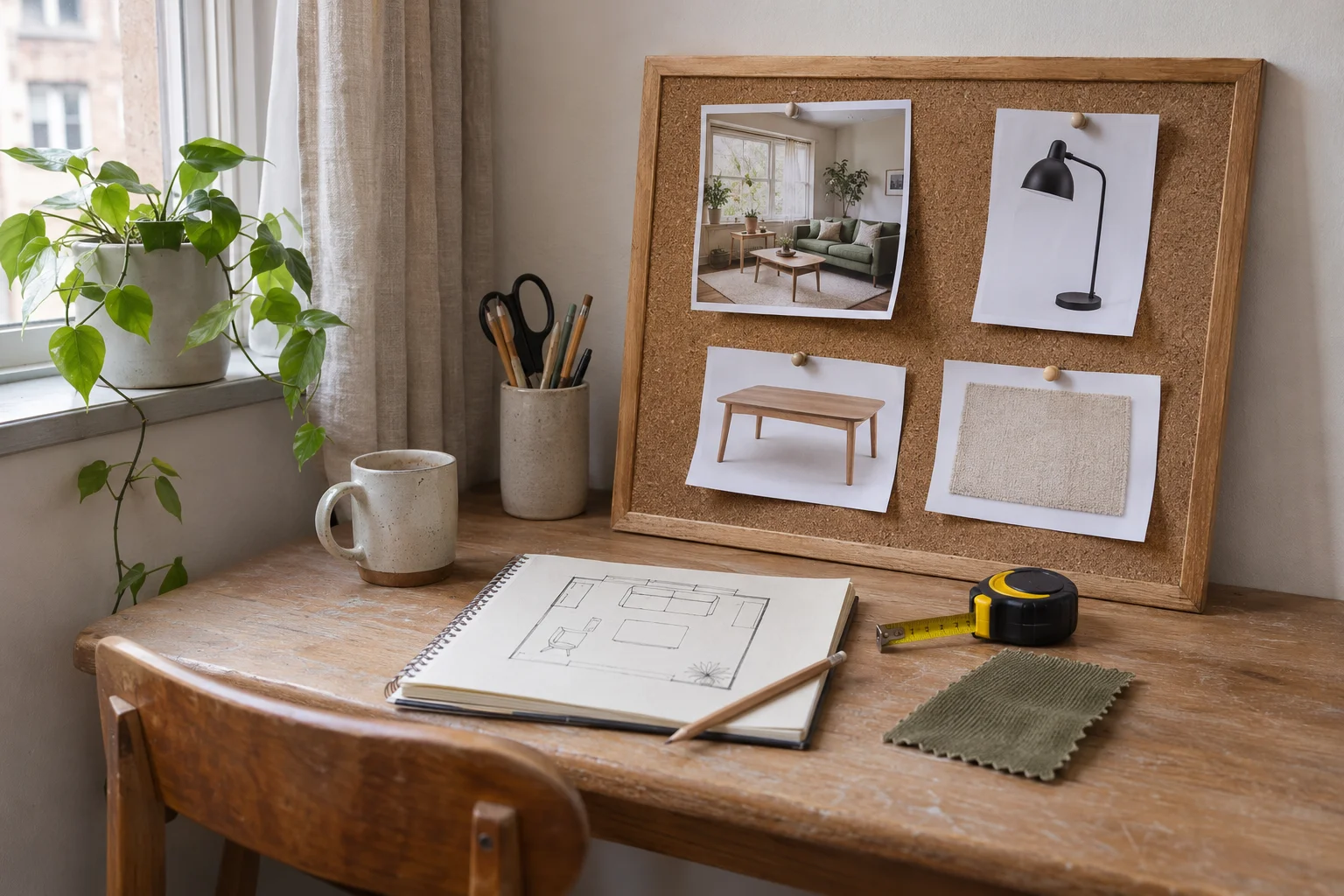
A saved room photo can tell you what you like without telling you what to buy. Its windows may be larger, its furniture may be custom-made and the pieces may not be available where you live. Copying the image item by item can leave you with an expensive mismatch.
A stronger approach is to translate the reference into a brief: the qualities you want, the constraints of your space and the jobs that new pieces must do. Then use that brief to compare products you can actually investigate.
01 / Planning & shopping
Describe what you like before searching for products
Look at two or three references and write down the repeated qualities. Perhaps it is the low furniture, the contrast between dark wood and pale fabric, or the use of one strong color. Distinguish those qualities from architecture you cannot reproduce, such as a large window or high ceiling.
Choose a few priorities rather than combining every attractive detail. Your brief might be: warm timber, soft blue textiles, space to read and no replacement sofa. This gives you something to preserve when an exact lookalike product is unavailable, too large or outside the budget.
- What feeling or function do the references share?
- Which furniture and fixed features must remain?
- What are the room and delivery constraints?
- What can you spend on products after other costs?
02 / Planning & shopping
Convert the brief into product roles
List the roles first: a reading light, a place for drinks, a rug that connects the seating or storage for specific items. Add your usable size range and relevant material preferences. Search for the role and dimensions, not only a visual label such as modern or cozy.
For an alternative to a reference coffee table, decide whether the important quality is its curved shape, dark timber or small footprint. You may not need all three. This makes substitutions more deliberate and prevents a similar-looking product from winning despite failing the room’s main requirement.
On a small screen, swipe across the worksheet.
From a saved look to a plan.
- 01 / Notice
- Shape, material and color.
- 02 / Specify
- Room, what stays and budget.
- 03 / Compare
- Exact item, size and quantity.
- 04 / Verify
- Fit, delivery and full cost.
03 / Planning & shopping
Build a shortlist you can verify
For each candidate, save the exact product link, variant, measurements, quantity, materials and included parts. Check the merchant’s current price and whether the item is available for the intended address. A product photograph is not evidence that the pictured set is sold together.
Compare delivered totals, delivery timing and return conditions, including the cost of returning a bulky item. Keep uncertain details marked as uncertain. If you use an AI tool, ask it to separate confirmed listing details from suggestions and assumptions. A convincing description cannot replace the merchant’s exact specification.
Save the feeling. Specify the job each new piece needs to do.
04 / Planning & shopping
Use a preview to support the decision
A room preview can help you compare palette, shape and the overall direction. It can also reveal that a shortlist feels too visually heavy or repeats a pattern too often. Use your room photo as the reference and specify what must stay, instead of asking the preview to invent an entirely different space.
NookMallow can use room photos, style preferences, retained furniture and a product budget to find real listings and create an AI styling preview. Treat that preview as illustrative: product appearance and spatial details can vary. Confirm the exact item, physical fit and delivery terms with the merchant before buying, and remember that furniture purchases happen at the stores.
05 / A few useful answers
Before you make the next choice.
Do I need the exact furniture shown in an inspiration photo?
Usually the useful starting point is the relationship between pieces: size, silhouette, material and color. Adapt those qualities to your own room and practical requirements.
Can I buy everything directly from the AI image?
A generated image alone does not establish an exact product identity or availability. Use the linked merchant listing for the selected variant and confirm all purchase details there.
Start with your room
Make the next choice yours.
Share your room photos, tell us what stays and set your furniture budget. Find real product options and use an AI preview to explore the direction.
Find furniture for your room Confirm dimensions, availability and delivery at the store. Shipping and tax are separate.