 NookMallow
Furnish a whole apartment on one budget.
NookMallow’s First Apartment planner lets you split one furniture budget across up to 6 rooms, find real products from US stores, and bring every room’s picks into one shopping list.
Start your apartment plan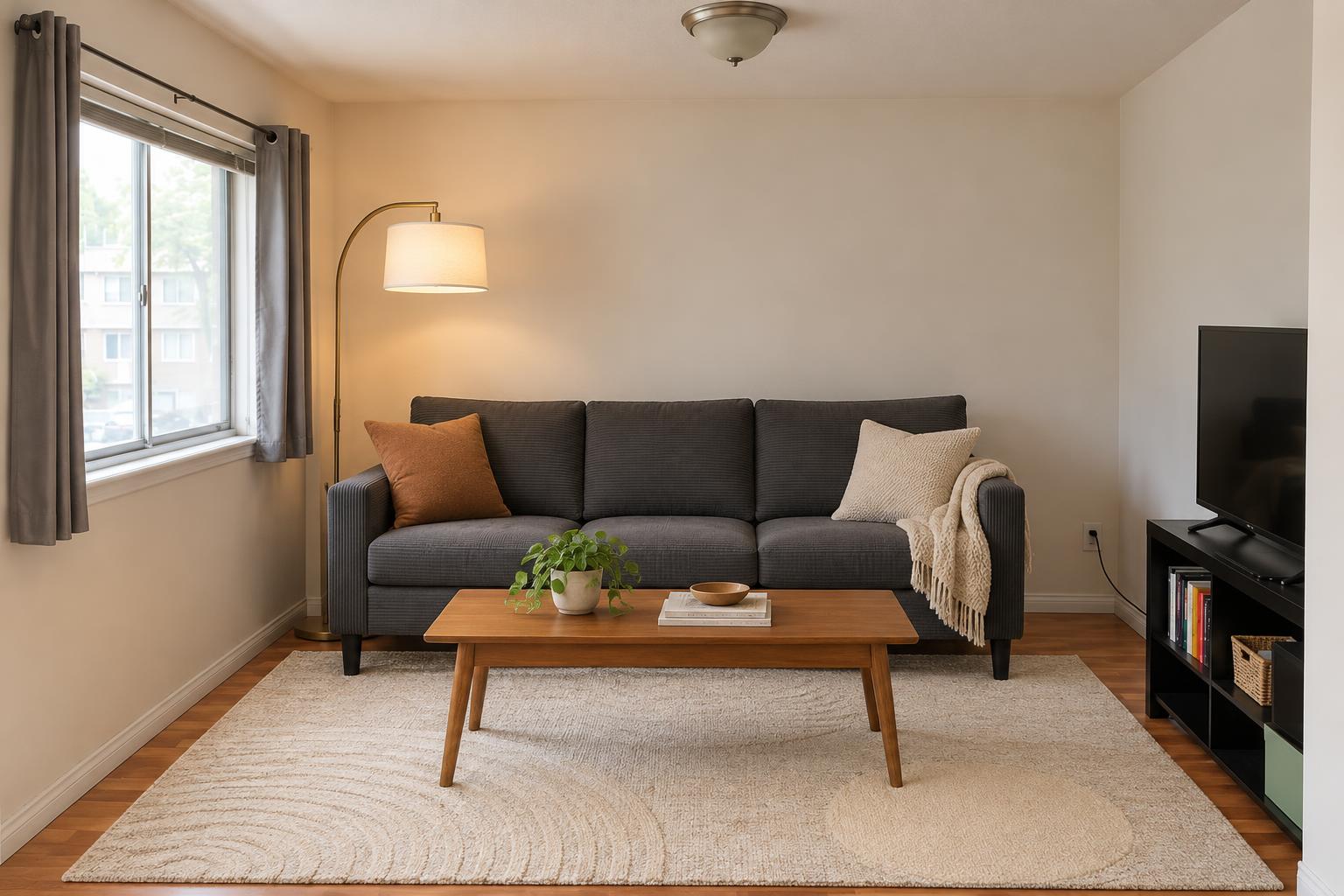
From a total budget to a list you can shop
Split the budget
Sign in, enter your total furniture budget in US dollars, and decide how much goes to each room. You can add living rooms, bedrooms, dining rooms, and home offices or studies.
Choose furniture room by room
Add room photos, a US ZIP code, and your style. Tell us which pieces you want to keep. NookMallow uses each room’s budget to look for real furniture with prices and store links.
Bring the lists together
Review selected furniture by room, compare the subtotals with your overall budget, and download one CSV. Buy the pieces you want directly from each store.
See the $5,000 apartment we planned
Explore the budget split for three rooms and the combined shopping list we built with First Apartment. It includes real store links and a downloadable CSV.
View the apartment budget and shopping listAdjust the plan as you go
You can change room allocations as priorities shift. Keep those allocations within the apartment budget and reopen affected rooms to review their lists. The apartment total uses the saved product prices from each room.
The shopping list is available before you generate any images. If you want to see how the selected pieces might look in your space, generate an optional AI styling preview for that room.
The furniture budget covers products. Shipping, tax, and any NookMallow service fees are separate. Confirm the current price, delivery, and fit with each store before ordering.